


How To Compare USB Joysticks Beyond Initial Price
2026-04-03 20:24When buyers compare USB joysticks, the lowest unit price often gets attention first. But in professional control applications, a joystick is not just a simple accessory. It is a human-machine interface that directly affects control accuracy, operator comfort, workflow speed, and long-term reliability. Official product pages in this category show that USB joysticks are used in network video surveillance, critical security monitoring, medical imaging, camera control, and other professional applications where precision and stability matter far more than saving a small amount on the purchase price.
A lower initial price can quickly become less attractive if the joystick creates integration issues, lacks the right axis and button layout, wears out early, or forces operators to work more slowly. That is why serious buyers compare USB joysticks based on total workflow value rather than hardware cost alone. In this product segment, official specifications repeatedly highlight USB HID compatibility, Hall effect sensing, programmable buttons, ergonomic design, lifecycle rating, sealing level, and application fit as the real differentiators.
Check USB Integration And Control Layout First
The first thing buyers should compare is not price, but whether the joystick will integrate smoothly into the intended control environment. Many professional USB joysticks use USB HID compliant interfaces and standard plug-and-play behavior, which reduces driver complexity and simplifies deployment. APEM’s USB desktop range explicitly highlights USB 2.0 HID compliance, standard USB plug-and-play operation, and support for workstation-based control, while some models are built specifically for PTZ camera and video management workflows.
Control layout matters just as much. Some buyers only need basic three-axis movement, while others need extra handle buttons, desktop pushbuttons, or even jog/shuttle controls. Official product pages show major differences here: one desktop model may offer 10 pushbuttons, while another provides 27 programmable pushbuttons and a jog/shuttle dial for more complex video management tasks. That means the wrong layout can reduce operator efficiency even if the joystick itself is inexpensive.
So before comparing quotes, buyers should define the real control task: how many axes are needed, whether zoom or twist control is required, how many shortcut buttons operators actually use, and whether the application depends on quick command access. A joystick that fits the workflow correctly usually creates more value than a cheaper model that forces awkward workarounds.
Compare Precision, Sensor Technology, And Operator Feel
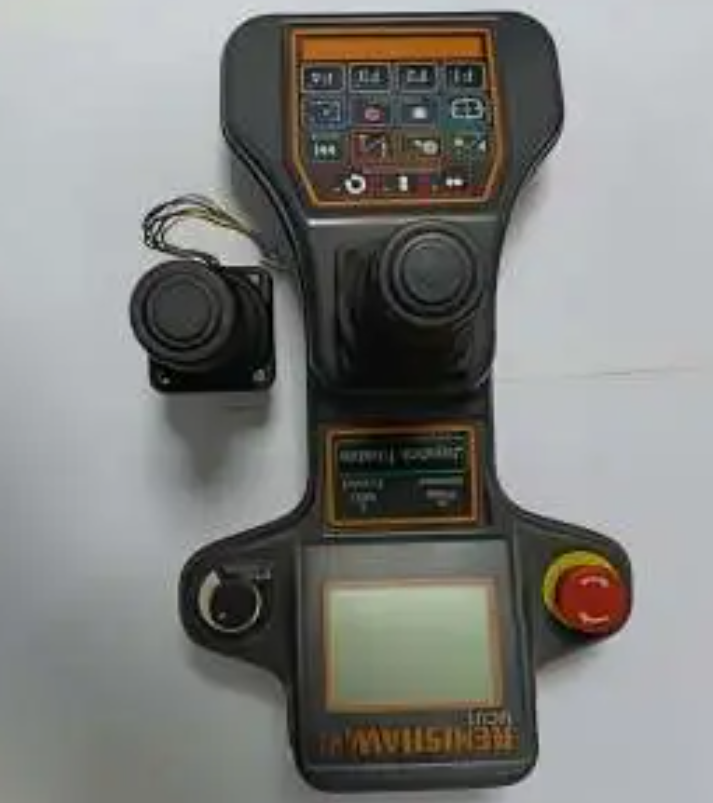
Beyond interface and buttons, buyers should compare how the joystick actually feels and performs in continuous use. In official product information, Hall effect sensing is repeatedly positioned as a premium feature because it is non-contact and intended for precise, repeatable control. APEM’s USB desktop and fingertip joystick lines highlight Hall effect technology, while some models also specify 12-bit resolution for finer control performance.
This matters because professional operators do not judge a joystick by appearance alone. They judge it by how accurately it responds, how smoothly it centers, and whether it allows confident movement without overcorrection. Official descriptions in this category emphasize precision pan/tilt/zoom control, enduring accuracy, and smooth operation for professional use. In practice, a joystick with better proportional feel can improve tracking quality, reduce operator fatigue, and increase control confidence in live environments.
Ergonomics should also be part of the price comparison. OTTO’s USB-output dual-grip remote specifically highlights ergonomic design for comfortable extended use, while APEM’s premium desktop models add features such as soft-touch coating and illuminated controls. These may look like secondary details on a quote sheet, but in real-world operation they influence user comfort, training speed, and shift-long performance.
Evaluate Durability, Programmability, And Total Cost Of Ownership
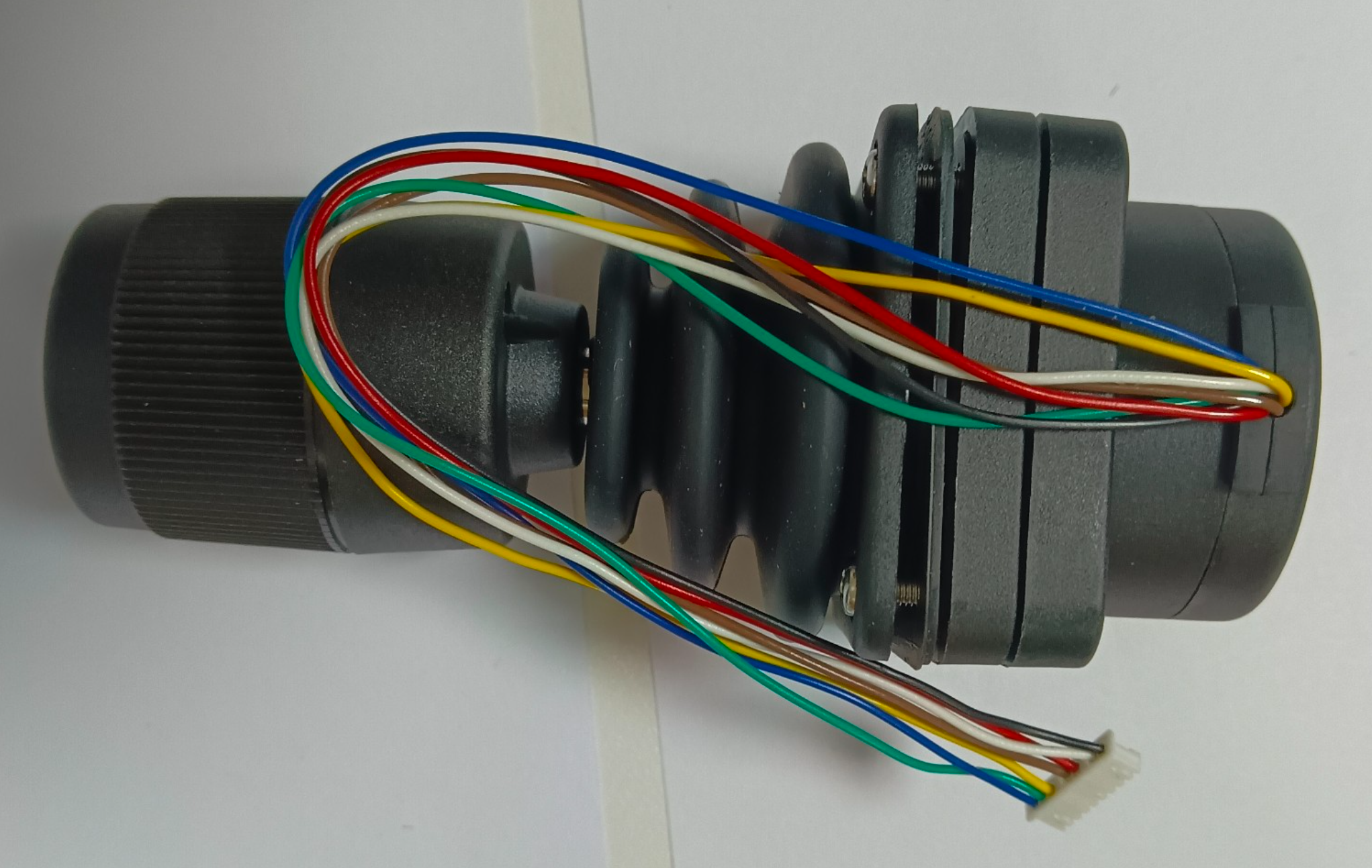
A joystick that costs less up front may cost more over time if it wears out faster or cannot adapt to changing requirements. Official joystick specifications in this market show large differences in expected life, sealing, and configurability. APEM lists up to 10 million life cycles on some Hall effect joystick series, while OTTO highlights up to 15 million tested cycles on certain industrial Hall effect models and IP68S sealing on electronics in harsh environments.
Programmability and configuration flexibility are also part of total value. Some USB joystick products are limited to basic control, while others provide programmable pushbuttons, selectable handles, redundant outputs, multiple output types, or application-specific configuration options. That flexibility can be far more valuable than a lower initial price because it helps the joystick stay useful across changing workflows and reduces replacement or redesign costs later.
The smartest buyers therefore compare USB joysticks as long-term control tools, not commodity accessories. They ask whether the interface is easy to integrate, whether control precision is good enough for real users, whether the ergonomics support extended operation, and whether lifecycle and protection levels justify the investment. Once those questions are answered, price becomes only one part of the decision instead of the whole decision.
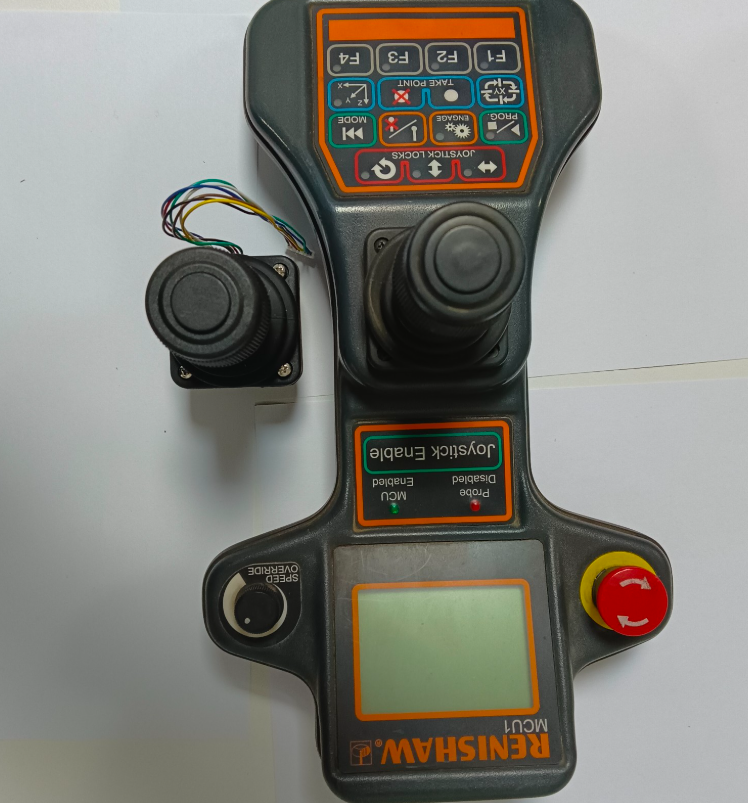
Comparing USB joysticks beyond initial price means looking at what really affects performance and cost over time: interface compatibility, axis and button layout, sensor technology, control feel, ergonomics, lifecycle, sealing, and flexibility for future use. The lowest quote may look attractive on paper, but the better purchase is usually the joystick that integrates smoothly, controls accurately, feels better in daily use, and lasts longer in the real application. That is where the true return on investment is created.